News & Updates
What's new in adilas: new features, changes and tips.
Customer Quick Cart
This is a new feature that allows you to select a customer quickly and add them to a new cart. Customer Quick Cart 1. Locate and click on the cart button on the header. 2. Select the field name called “Customer Name”. 3. Start typing in the name of the individual you are looking for. Remember more…
General News and UpdatesTips and TricksDeposit Homepage – Data Table
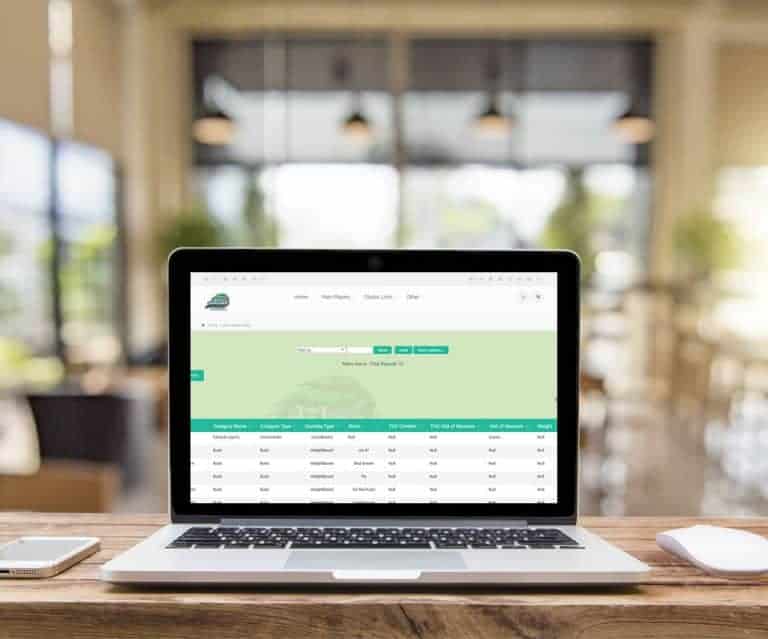
Deposit Homepage – Data Table Snow Owl Theme – Data Table – Deposit Homepage The deposit homepage now includes the data table functionality Users can save to Excel or print to PDF, sort columns, and use the multi search/filter To filter/search just type in desired data, hit space, and type in addit…
General News and UpdatesTips and TricksSnow Owl – Metrc Sales History Page
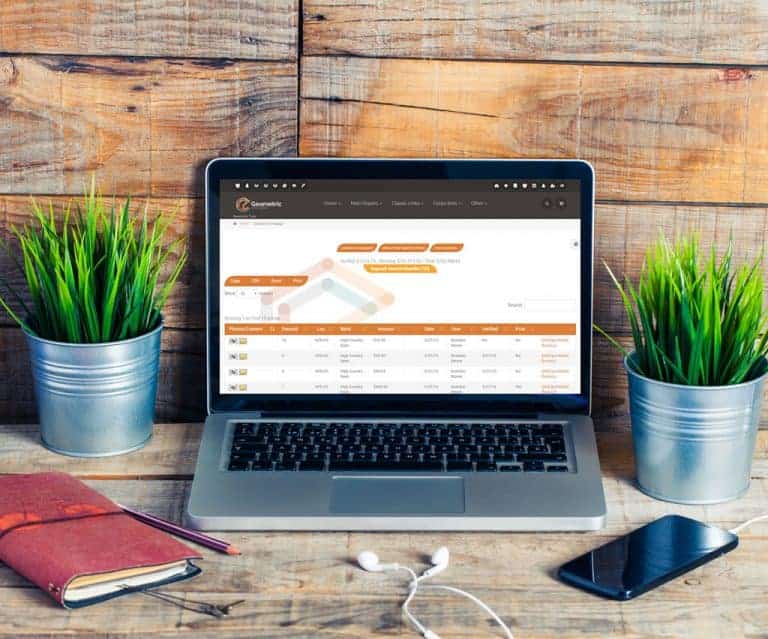
Snow Owl – Metrc Sales History Page Snow Owl Theme – Data Table – Sales History Pages The sales history page now includes the data table functionality. Users can save to Excel or print to PDF, sort columns, and use the multi search to filter. To filter/search simply type in the desired data, hit th…
Cannabis UpdatesComplex Label Settings
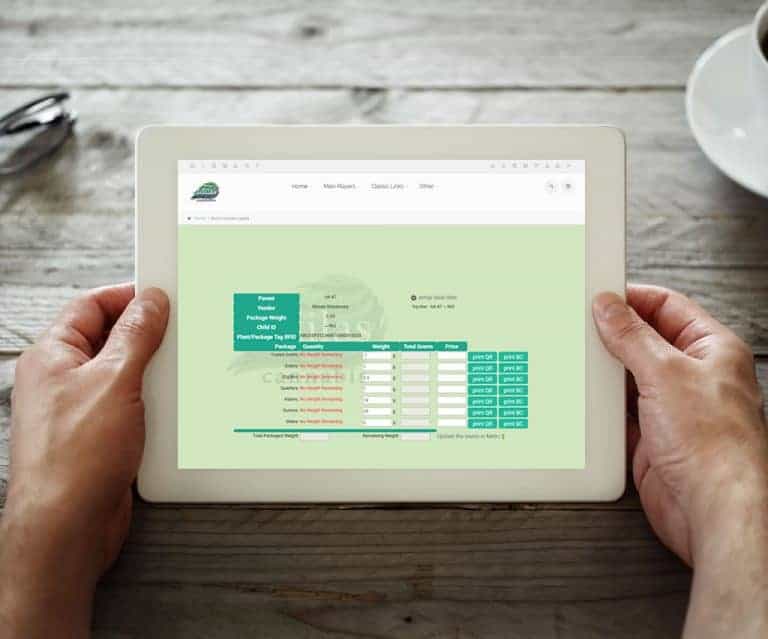
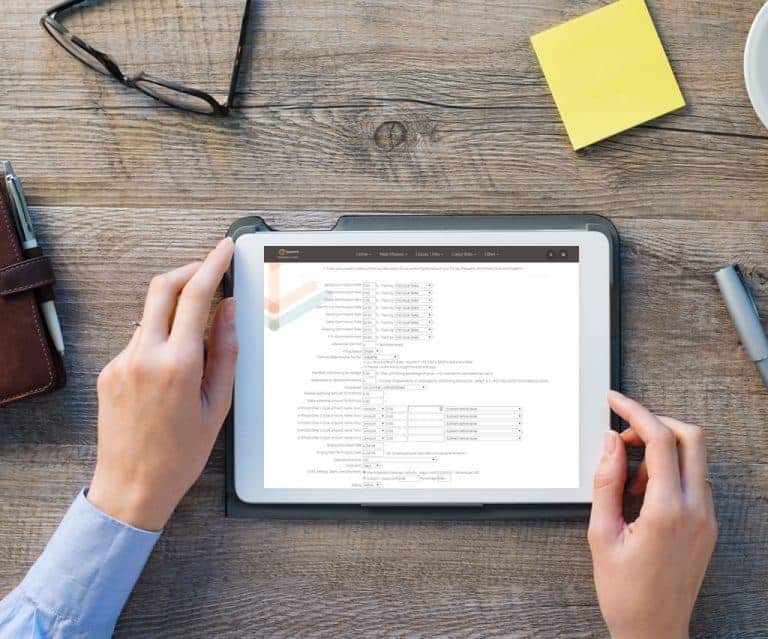
Complex Label Settings Access to complex label settings is now available! Click on the ‘gear’ symbol to access the settings page. Label size and top line data can be selected or dynamically stored. Make changes to the barcode data and choose what is displayed. Print QR or barcode labels.
Cannabis UpdatesMJ Tips and TricksSnow Owl – Tool Bar
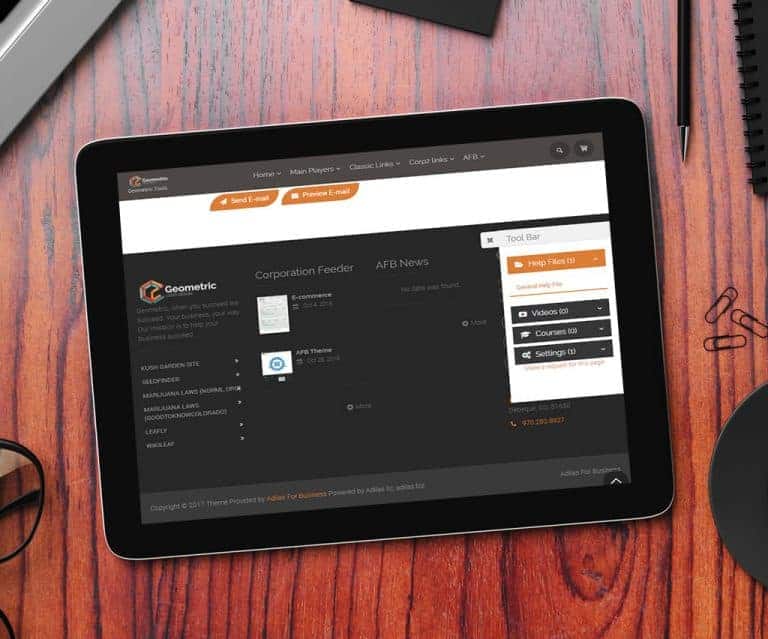
Snow Owl – Tool Bar Snow Owl now has a gear icon/tool bar on all pages Allows easy access to great features such as: Help Files, Videos, Courses, and Settings Also provides quick links to: Adilas University, News and Updates, Third Party Page, and Adilas Market It also includes a feature request li…
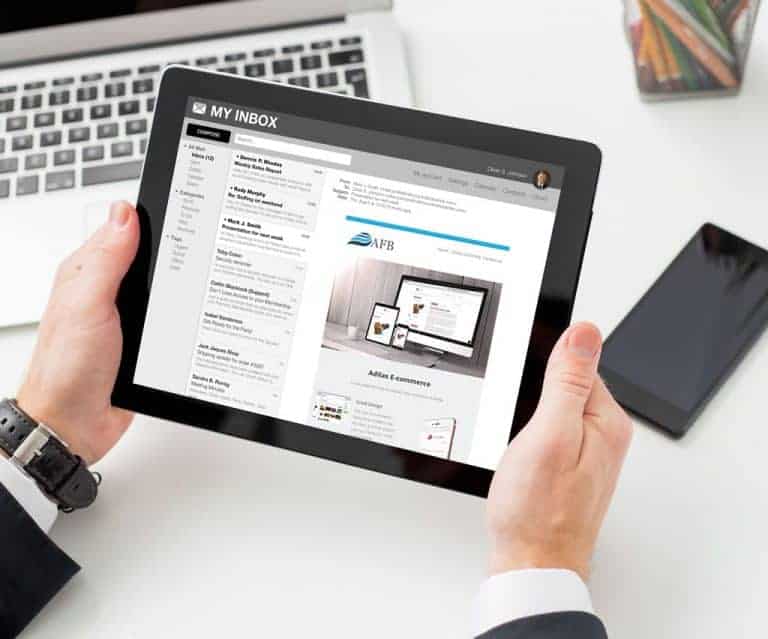
General News and UpdatesTips and TricksSnow Owl – Adilas E-mails
[alert_message id=”5ee60283d8c6227792075002ffe0a57e” type=”info” title=”For Your Information” text=”As of 3/1/2018, AFB the third-party solution has been merged with Adilas. Please refer to the most recent posts for the most current information.” icon=”fa fa-info-circle” close=”true” alignment=”lef…
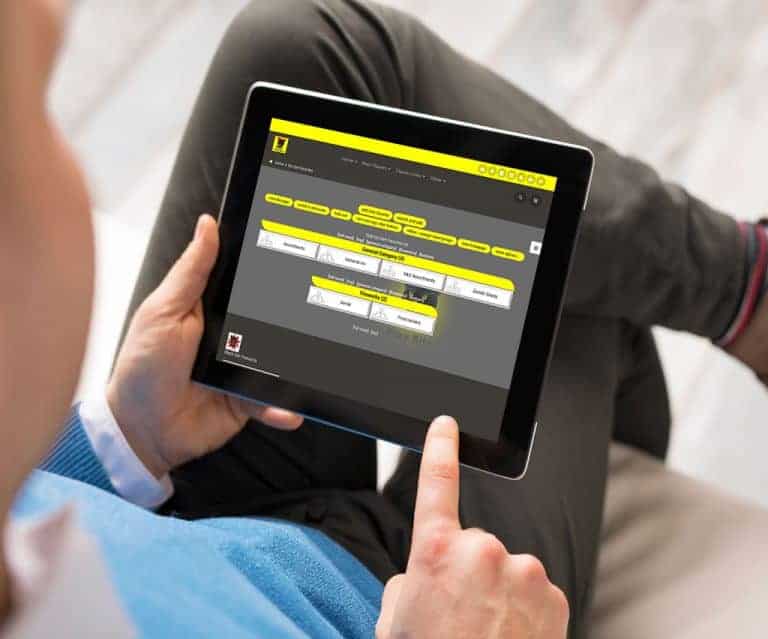
General News and UpdatesTips and TricksSmart Group – Show Parent/Child
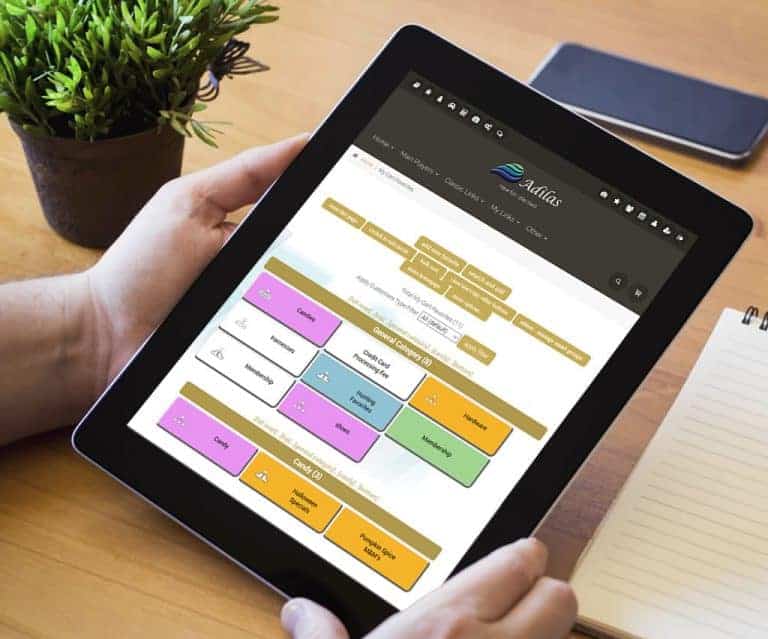
Smart Group – Show Parent/Child My Cart Favorites -> More options -> Settings With a click of the button choose how smart group items are displayed Display only child items to make it easier for customers to find what’s available to buy 🙂 Display parent/child to show more detail and the relationsh…
General News and UpdatesTips and TricksSnow Owl – Metrc Items Page
Snow Owl – Metrc Items Page Snow Owl Theme – Data Table – Items The items homepage now includes the data table functionality. Users can save to Excel or print to PDF, sort columns, and use the multi search to filter. To filter/search just type in the desired data, hit the space bar, and type in any…
Cannabis UpdatesMJ Tips and TricksMetrc CSV Notes
Metrc CSV Notes Metrc Inventory Update CSV The Notes field is added as per Metrc requirements. The Notes field can be left blank. The Badge Number is required.
Cannabis UpdatesCart Favorite Buttons – Child Buttons
Cart Favorite Buttons – Child Buttons Children (Subs) are now tied to individual button functionality. Ability for the system to auto manage the children under the parent or add a specific child ID, can now be done by selling from a sub. View the help file.
General News and UpdatesTips and TricksMetrc – Delivery API
Metrc Specific Metrc Delivery API functionality Now available for all states that allow delivery. Couple the Metrc Delivery API functionality with our integrated e-commerce online ordering and you’re dangerous:) Contact us for more details as each delivery process can be customized.
Cannabis UpdatesLicense Type Sales
License Type Sales Sales by License Type, including sales tax are available. Found on the Reports Homepage. Click on the ‘license type’ under the heading ‘Sales By’.
Cannabis UpdatesMJ Tips and TricksPayroll State Percentage
Payroll State Percentage Percentage or Numeric values are now allowed for deductions. From the department homepage, select the employee. If you cannot see your employees, click on the button called “Switch This Page To Advanced Mode – Show Subs”, then select an employee. There is now an option for…
General News and UpdatesTips and TricksInvoice Permission – View Only
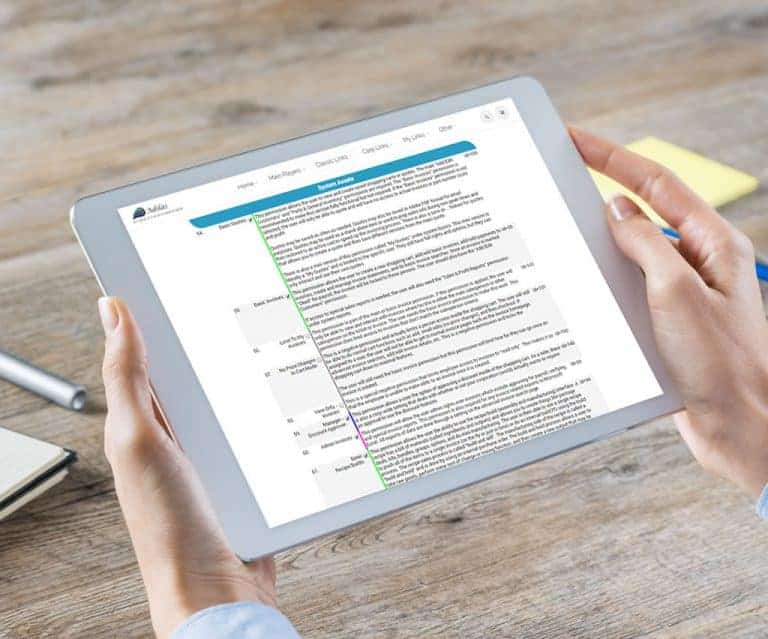
Invoice Permission – View Only Permission to limit invoices to “View Only” is now available. This is a limiting permission – Grey Color – ID 160. Users with this permission are able to “read only”.
General News and UpdatesTips and TricksAccounts Receivable – Data Table
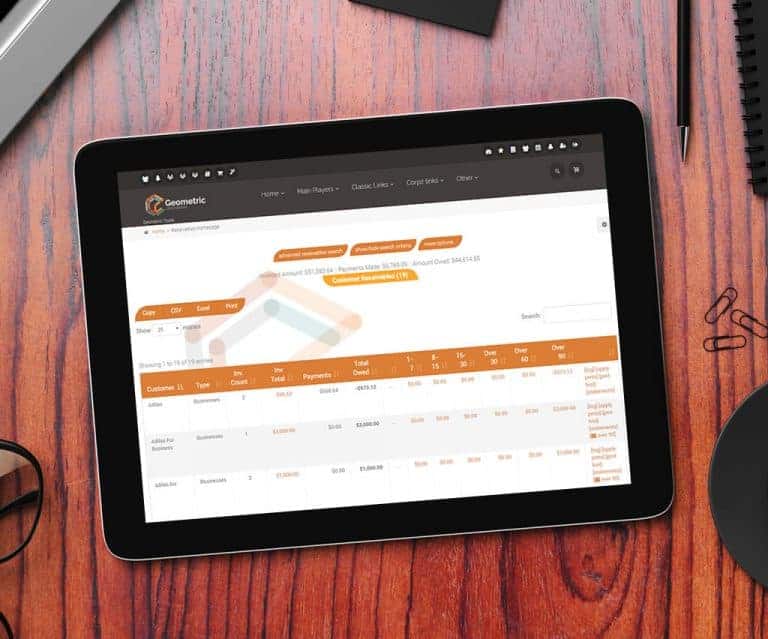
Accounts Receivable – Data Table The accounts receivable homepage now includes the data table functionality. Users can save to Excel or print to PDF, sort columns, and use the multi search to filter. To filter/search, just type in desired data, hit space, and type in additional data. Magic will hap…
General News and UpdatesTips and Tricks