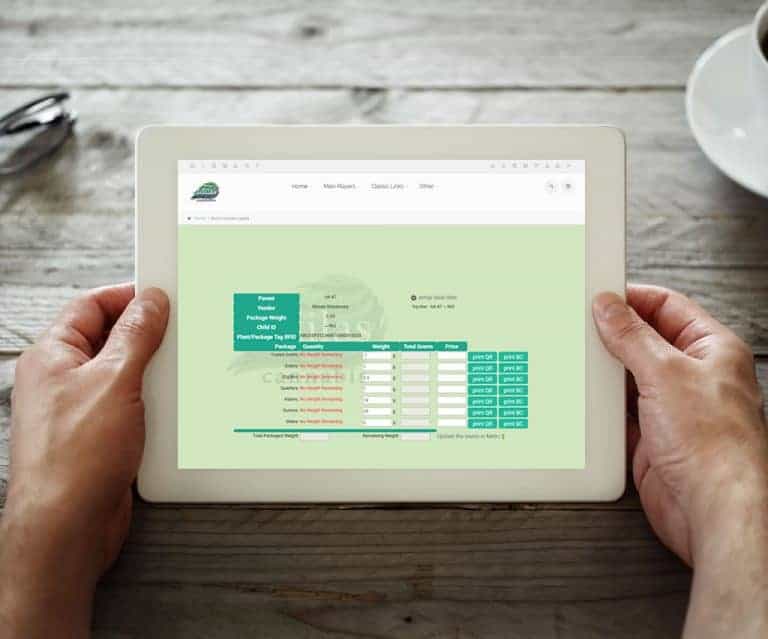
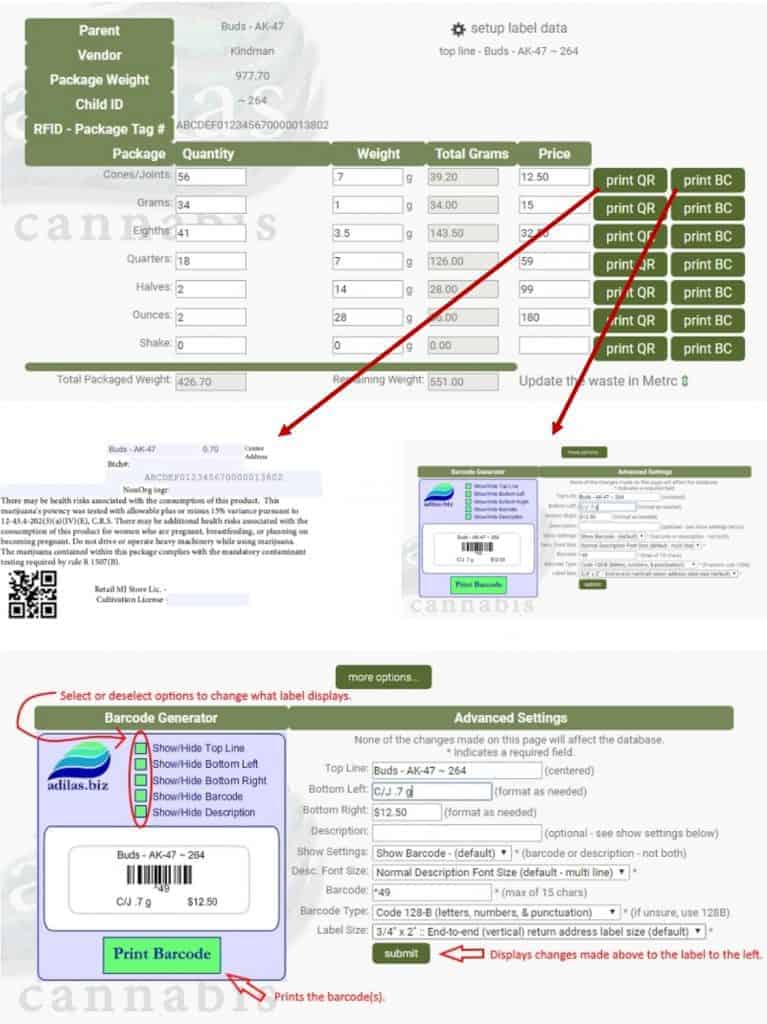
Complex Label Settings Access to complex label settings is now available! Click on the ‘gear’ symbol to access the settings page. Label size and top line data can be selected or dynamically stored. Make changes to the barcode data and choose what is displayed. Print QR or barcode labels.
What changed
Complex Label Settings
Access to complex label settings is now available!
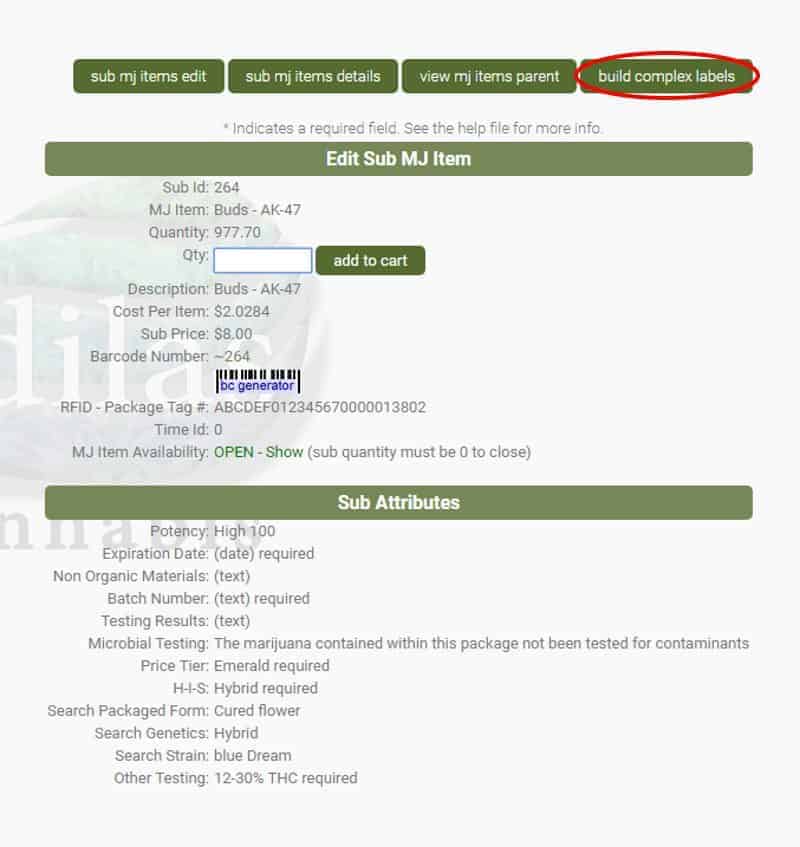
How to use it
- Click on the ‘gear’ symbol to access the settings page.
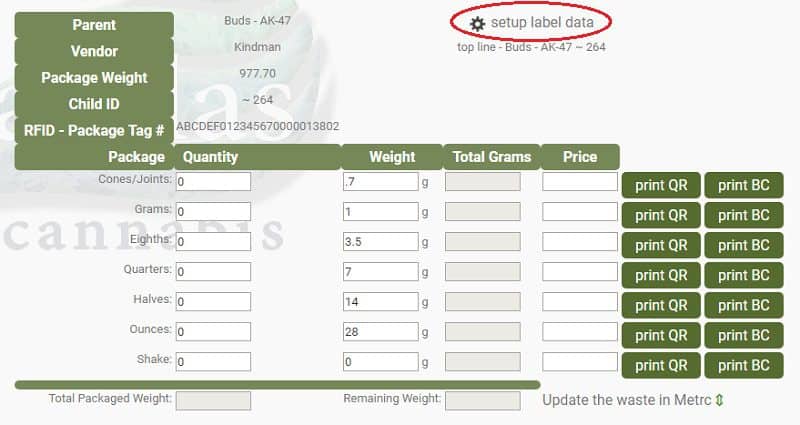
- Label size and top line data can be selected or dynamically stored.
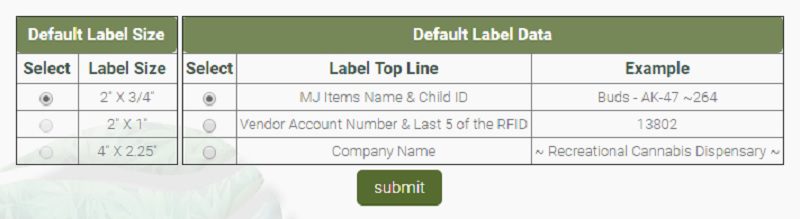
- Make changes to the barcode data and choose what is displayed.
- Print QR or barcode labels.
First posted on the old news site: https://news.adilas.biz/2017/12/03/complex-label-settings/