News & Updates: Cannabis Updates
What's new in adilas: new features, changes and tips. See every topic.
Conversions / Labeling
Conversions / Labeling Build Complex Labels Search for any child, select any view. From any view of the child, the ‘build complex labels’ button is found at the top right. Custom or State specific labels are available. Child Conversions/Labeling Break down the child and print out either a QR or Bar…
Cannabis UpdatesMJ Tips and TricksMetrc – Reasons
Metrc – Reasons Metrc Reasons The Metrc adjustment reasons have changed for Colorado. These have been updated on both the individual and bulk updates.
Cannabis UpdatesParent Attributes
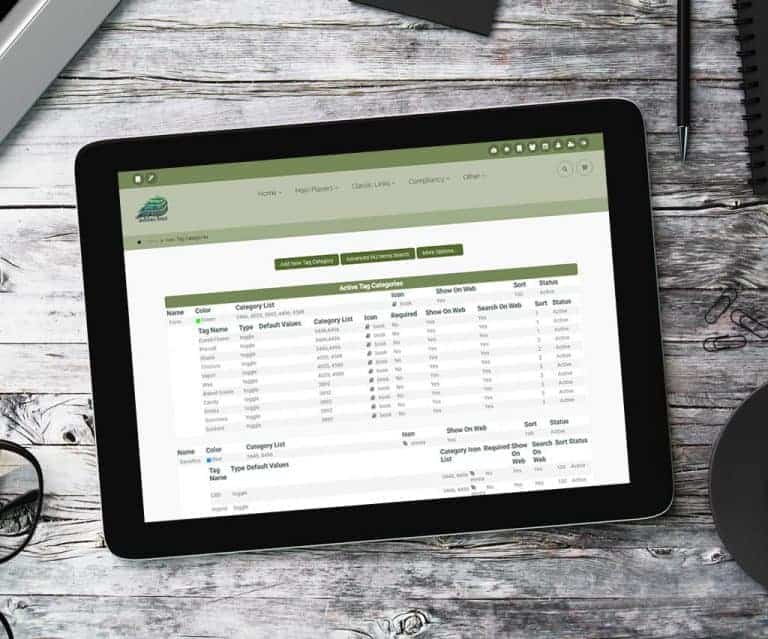
Parent Attributes – Dynamic Naming, Unlimited Categories and 1000’s of Icons Available from the Inventory Homepage and other options. Also available when you edit a Parent. There are links that add or edit attributes. This functionality allows searching by attributes on the e-commerce and the POS…
Cannabis UpdatesTips and TricksMetrc – API End Points
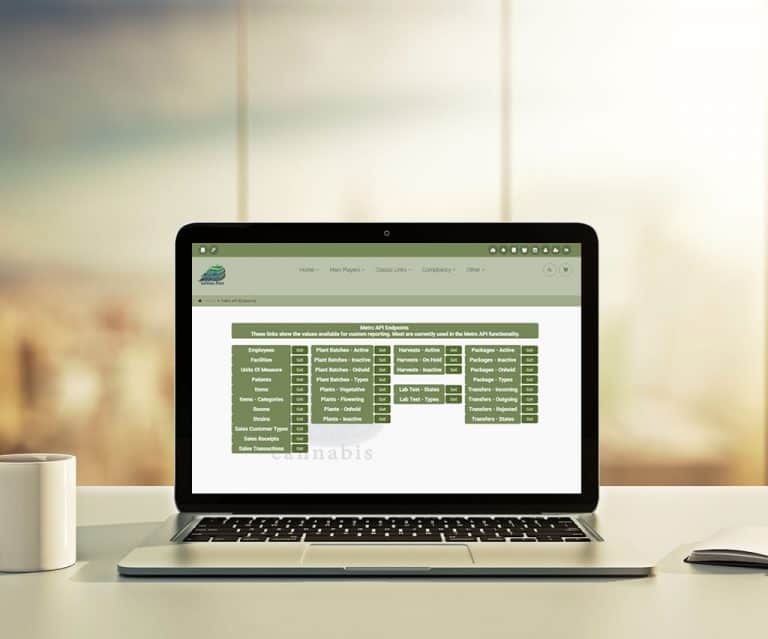
Metrc – API End Points Metrc API Endpoints List The link is under ‘more options’ on the Metrc Dispensary or Cultivation Homepages. The chart shows all the API endpoints available in Metrc 🙂
Cannabis UpdatesMetrc – Employees
Metrc – Employees Metrc Employee List The link is under ‘more options’ on the Metrc Dispensary or Cultivation Homepages. Compares Adilas employees to Metrc 🙂
Cannabis UpdatesSnow Owl – Cultivation Home
Snow Owl – Cultivation Home Snow Owl Theme – Cultivation Home Offers custom settings and colors per user. Includes ability to locate multi or single plants by touch, Or to scan a Barcode or QR Code for process or procedure. Provides real time inventory to five (5) decimal accuracy. This is the firs…
Cannabis UpdatesMulti Queue
Multi Queue Multiple Sub Queues offered. New multi queue view available. View on all Order Process pages, Medical Dispensary Homepage, Fulfillment Homepage, Custom Online or Drive Thru. See everyone in multiple queues or a specific queue. Great for Delivery, Instore Pickup, Drive Thru, Online Order…
Cannabis UpdatesMJ Tips and TricksMetrc – Attributes
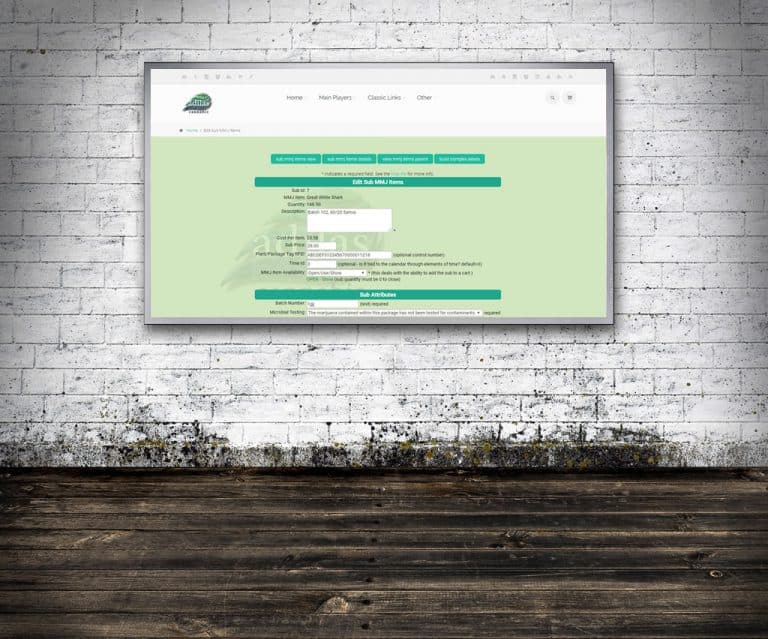
Metrc – Attributes Auto Add Child Attributes. From the Metrc API Home, click on the add inventory button. Select the incoming packages to build a new PO. On the Mapping page (shown here), select the child availability of Open or Disabled. Batch Number now pulls from Metrc. Metrc/Adilas Auto Add Att…
Cannabis UpdatesText Message Marketing
Text Message Marketing – API with Full Circle 30 day Free Trial Marketing made easy Engage your Adilas POS system to enable a text message strategy Give Full Circle a call at (303) 848-3300 Or click to (learn more) Full Circle has been fully integrated with Adilas since 2012
Cannabis UpdatesQuick Response Bar Code
Quick Response Bar Code Bar Code functionality which adds a portion of a Child to the cart at a set price. Click on the “View” of any Child Then click on the Bar Code image Add special code to tell the shopping cart Child – price and quantity In the bar code field, change the ~ to qr_. After the
Cannabis UpdatesGeneral News and UpdatesHelp FilesSupportTips and TricksMetrc – Patients
Metrc – Patients On the Metrc API Homepage, click on the patient button. Compares to Adilas and provides a drill down link.
Cannabis UpdatesMetrc – Manifests
Metrc – Manifests Transfers/Manifests available. From the Metrc API Home, click on transfers. Metrc/Adilas – Transfers Update Click on the Manifest number to see details of all packages. Manifest number is auto populated on Adilas PO as new inventory is added. Please let us know if there is additio…
Cannabis UpdatesWeight/Quantity Report
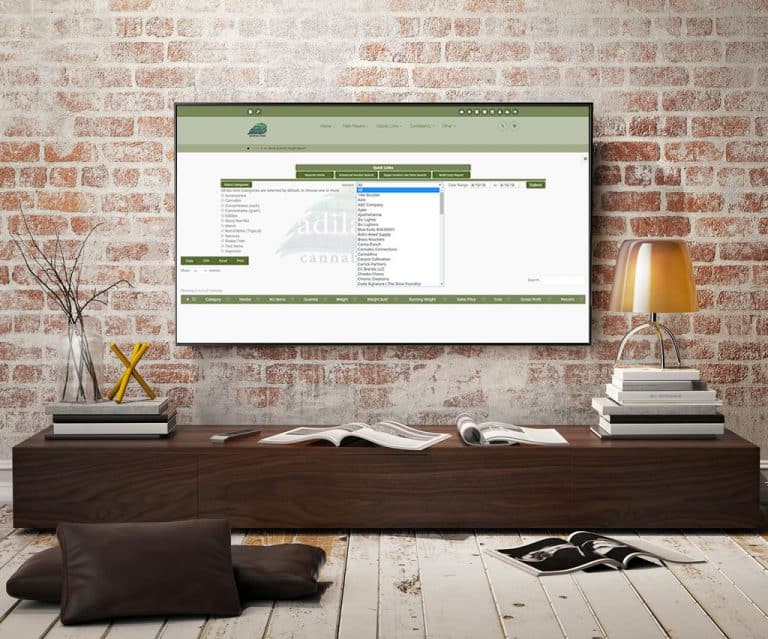
Packaged Cannabis Specific If selling pre-packaged, this report shows total weight (grams) sold. From the Reports Homepage, click on the quantity/weight link. The new drop down allows multi category selection.
Cannabis UpdatesMetrc – Batch Number
Metrc – Batch Number Metrc Batch Numbers Found on the Metrc Inventory Comparision or Add New Inventory pages. View, Sort or Filter the Batch Number.
Cannabis UpdatesMetrc – Update Inventory
Metrc – Update Inventory Adjust Inventory. From the Metrc Inventory Comparison, click on the icon. Updates both Metrc and Adilas. Note: In Colorado, submit sales via the API prior to viewing the inventory comparison. Metrc/Adilas Inventory Update Displays both package and child current quantity. Ad…
Cannabis Updates