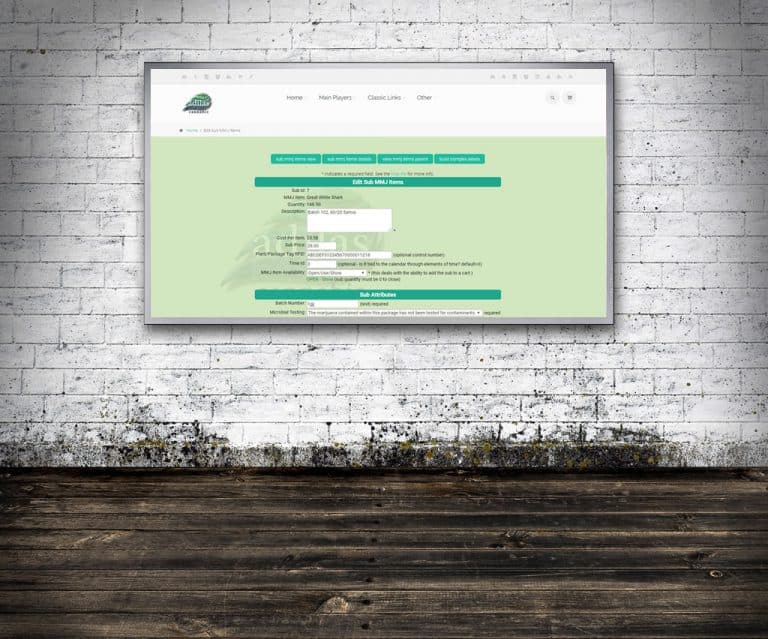
Conversions / Labeling Build Complex Labels Search for any child, select any view. From any view of the child, the ‘build complex labels’ button is found at the top right. Custom or State specific labels are available. Child Conversions/Labeling Break down the child and print out either a QR or Bar…
What changed
Conversions / Labeling
Build Complex Labels
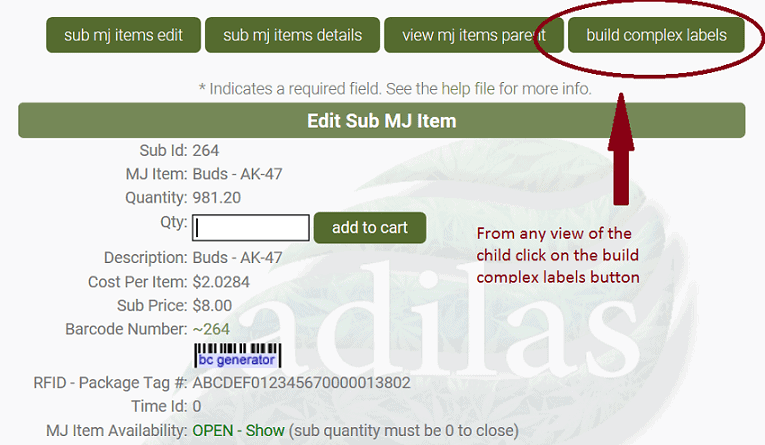
- Search for any child, select any view.
- From any view of the child, the ‘build complex labels’ button is found at the top right.
- Custom or State specific labels are available.
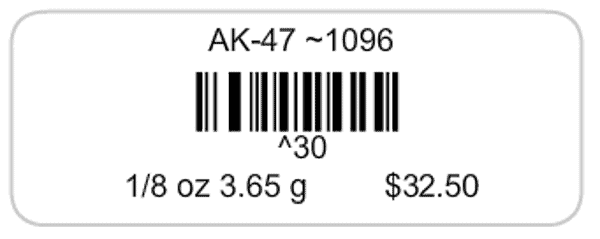
Child Conversions/Labeling
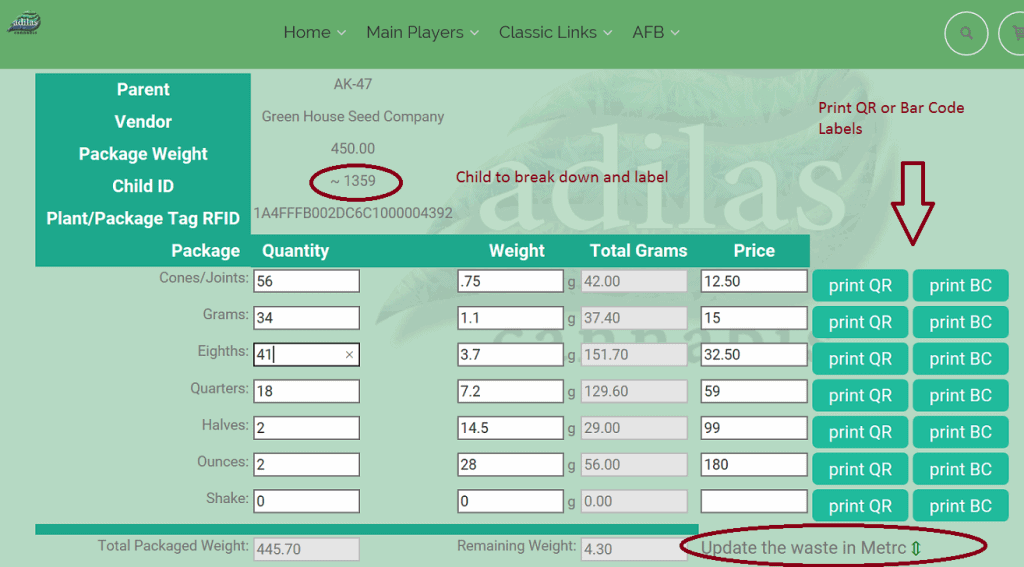
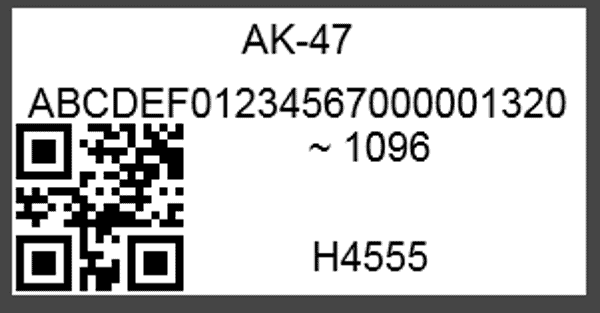
- Break down the child and print out either a QR or Bar Code that, when scanned, will add the child to the cart with desired quantity and price.
- If you select the BC, the system will compress the qr_price_quantity into a ^123 number that will stay below the 15 character bar code limit.
- The system will show total packaged weight and remaining weight.
First posted on the old news site: https://news.adilas.biz/2017/10/16/conversions-labeling/