News & Updates
What's new in adilas: new features, changes and tips.
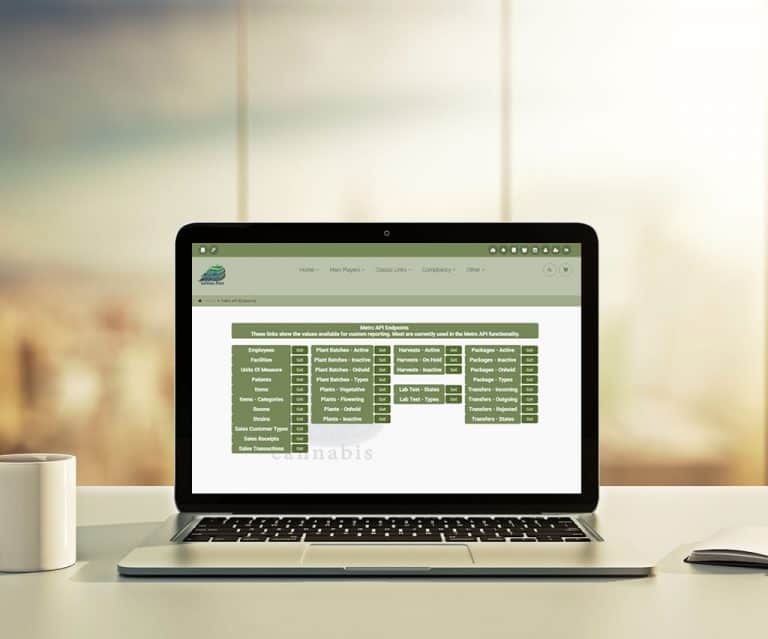
Metrc – API End Points
Metrc – API End Points Metrc API Endpoints List The link is under ‘more options’ on the Metrc Dispensary or Cultivation Homepages. The chart shows all the API endpoints available in Metrc 🙂
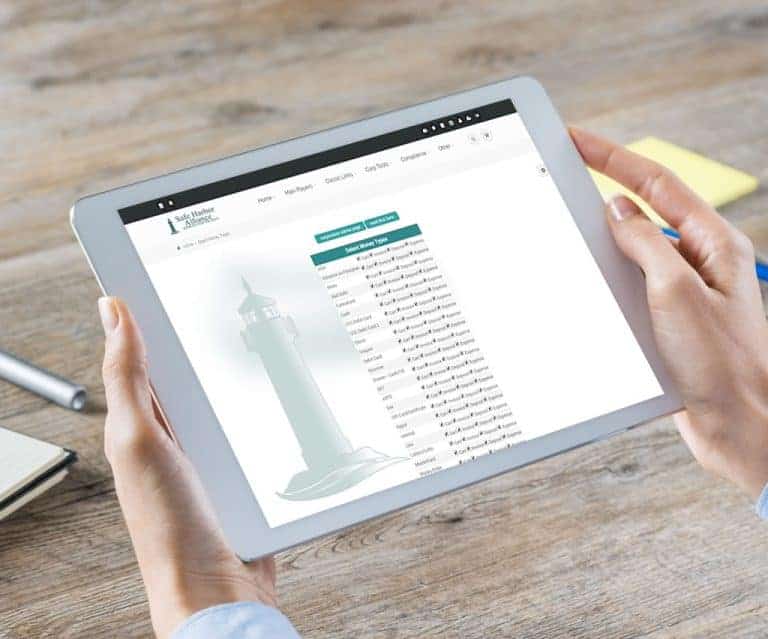
Cannabis UpdatesNew Payment Type “On Consignment”
New Payment Type “On Consignment” From the Classic Homepage Select “Manage Corp Info & Permissions” Select “More Options…” button Choose “Select Money Type Settings”
General News and UpdatesTips and TricksSnow Owl – Standard Icons
Snow Owl – Standard Icons These standard icons, located at the upper right hand corner, are quick links to: Chooser Favorites Switch Corporations Client Queue Mini Calendar User Password/Profile User Settings Log Out The lower two icons are for. Quick Search Quick Cart
General News and UpdatesTips and TricksMetrc – Employees
Metrc – Employees Metrc Employee List The link is under ‘more options’ on the Metrc Dispensary or Cultivation Homepages. Compares Adilas employees to Metrc 🙂
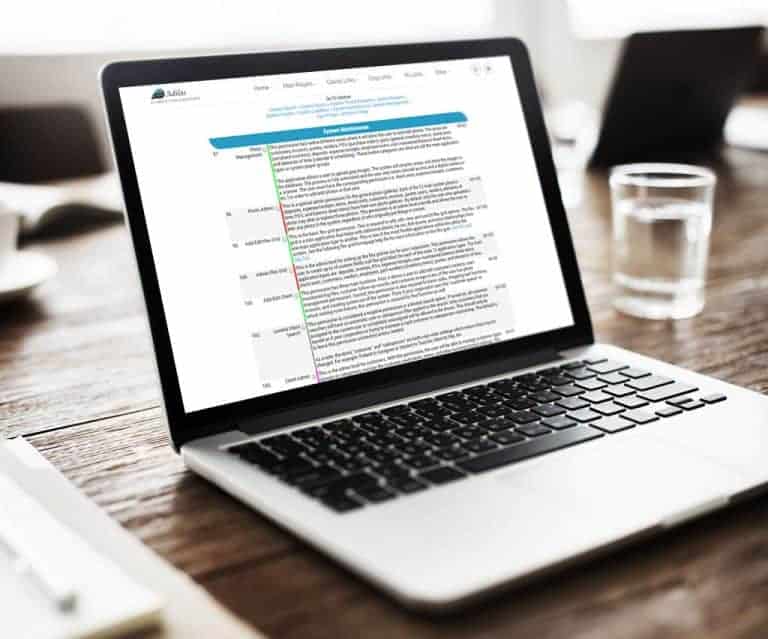
Cannabis UpdatesAdmin Photo Permission
Photo Gallery, Admin Photo Permission Allows permissioned user to change photos no matter who uploaded them How To Get To It: Classic Links (header tab) > System Management > Add/Edit Payees & Permissions > Select A User Locate and select permission id=159, “Photo Admin” and save the page. Tip: To…
General News and UpdatesTips and TricksAdilas Kush Cart
This new cart is a slimmed-down version of the Adilas classic cart. If you’re curious and want to try this new cart out, follow these instructions. Watch a video on it Written instructions below Get your administrator to make the card active for your corporation 1. Start by going to the Classic Hom…
General News and UpdatesHelp FilesSupportSnow Owl – Templates and More
Snow Owl – Templates and More The Snow Owl theme can now create templates and have control of payee settings. In this update we will go over these new settings. Create Template Edit Template Edit Payee Settings Payee Select Template Watch a video on it Written instructions below Create Template Sno…
General News and UpdatesHelp FilesSupportTips and TricksSnow Owl – Cultivation Home
Snow Owl – Cultivation Home Snow Owl Theme – Cultivation Home Offers custom settings and colors per user. Includes ability to locate multi or single plants by touch, Or to scan a Barcode or QR Code for process or procedure. Provides real time inventory to five (5) decimal accuracy. This is the firs…
Cannabis UpdatesMulti Queue
Multi Queue Multiple Sub Queues offered. New multi queue view available. View on all Order Process pages, Medical Dispensary Homepage, Fulfillment Homepage, Custom Online or Drive Thru. See everyone in multiple queues or a specific queue. Great for Delivery, Instore Pickup, Drive Thru, Online Order…
Cannabis UpdatesMJ Tips and TricksMedia Content – Multi-Upload
Media Content now has a multiple file upload. Upload multiple files to the content server repository, any file type. 🙂 How To Do It… 1. Click on the media file folder within any of the 12 main players. 2. Click on “Physically Upload A File” button. 3. Then select the “Multi File Upload” button. 4…
General News and UpdatesSupportTips and TricksMetrc – Attributes
Metrc – Attributes Auto Add Child Attributes. From the Metrc API Home, click on the add inventory button. Select the incoming packages to build a new PO. On the Mapping page (shown here), select the child availability of Open or Disabled. Batch Number now pulls from Metrc. Metrc/Adilas Auto Add Att…
Cannabis UpdatesText Message Marketing
Text Message Marketing – API with Full Circle 30 day Free Trial Marketing made easy Engage your Adilas POS system to enable a text message strategy Give Full Circle a call at (303) 848-3300 Or click to (learn more) Full Circle has been fully integrated with Adilas since 2012
Cannabis UpdatesQuick Response Bar Code
Quick Response Bar Code Bar Code functionality which adds a portion of a Child to the cart at a set price. Click on the “View” of any Child Then click on the Bar Code image Add special code to tell the shopping cart Child – price and quantity In the bar code field, change the ~ to qr_. After the
Cannabis UpdatesGeneral News and UpdatesHelp FilesSupportTips and TricksMetrc – Patients
Metrc – Patients On the Metrc API Homepage, click on the patient button. Compares to Adilas and provides a drill down link.
Cannabis UpdatesSnow Owl – Custom Colors
[alert_message id=”e18ea616df8f7c92bade43dcf86067fc” type=”info” title=”For Your Information” text=”As of 3/1/2018, AFB the third-party solution has been merged with Adilas. Please refer to the most recent posts for the most current information.” icon=”fa fa-info-circle” close=”false” alignment=”le…
General News and UpdatesHelp FilesSupportTips and Tricks