News & Updates: General News and Updates
What's new in adilas: new features, changes and tips. See every topic.
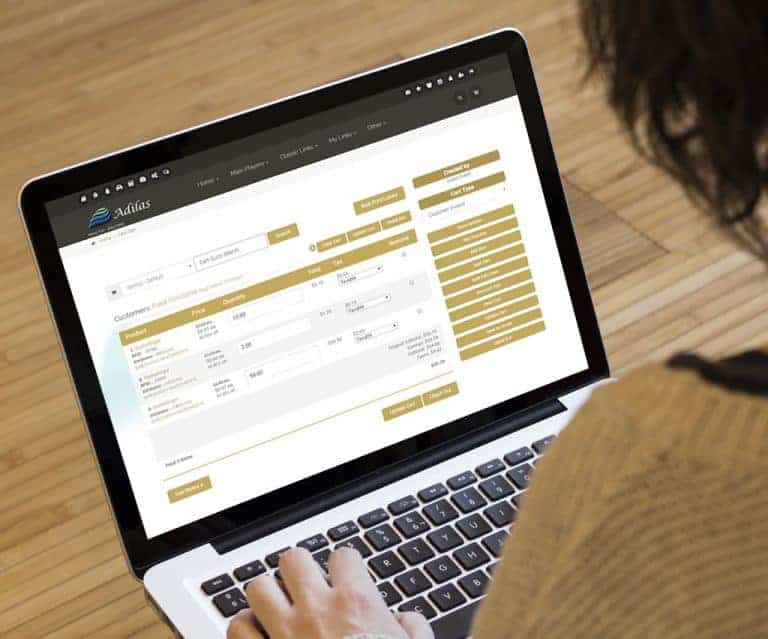
Sub Button on Cart
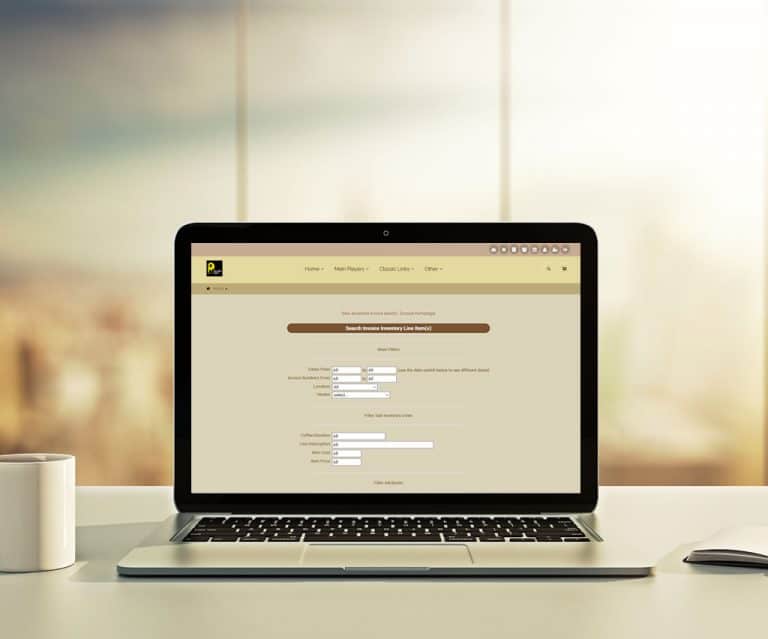
Sub Button on Invoice Lines Child ID Helps choose the Child from Online Parent Orders Click to select or change sub Auto detection or select new Child. Ability to split subs to fill the order. Scan Parent Barcodes Child Barcodes RFID Tags or QR Codes
General News and UpdatesTips and TricksFlash Interfaces
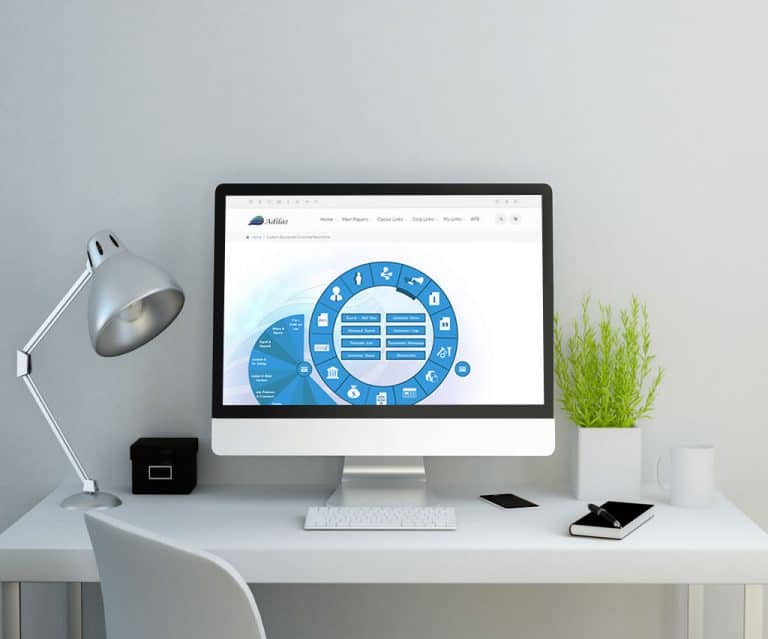
Flash Interfaces Go to the “Chooser” Set as default Each person can choose their own interface 🙂
General News and UpdatesTips and TricksEmail Statement
Email Statement Select or build a statement Go to the printable view Click on the email button Add notes or cc as desired 🙂
General News and UpdatesTips and TricksBarcode Logic – Sell Subs
Barcode Logic – Scan the Parent Sell the open Child If multi subs are open, select or configure as needed
General News and UpdatesAdilas Market
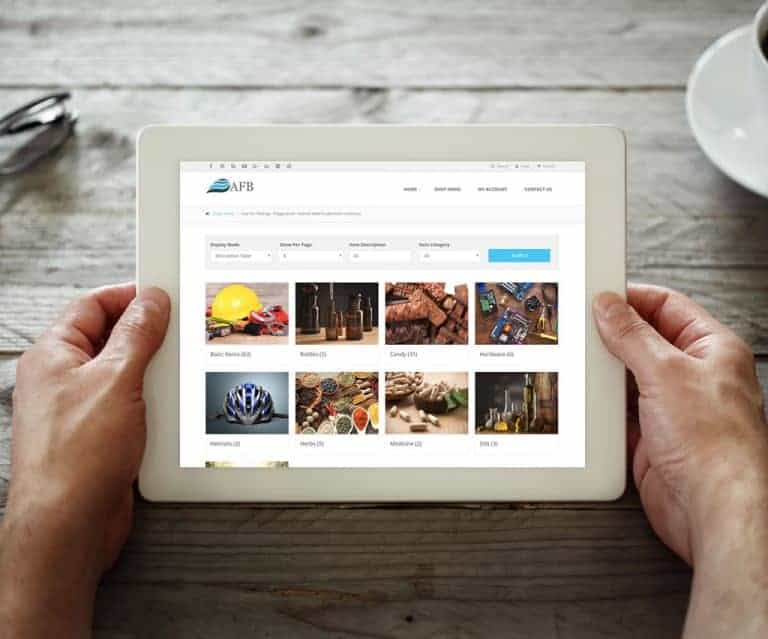
[alert_message id=”a9f871696fa55a2a159fc5caa0fdfbb3″ type=”info” title=”For Your Information” text=”As of 3/1/2018, AFB the third-party solution has been merged with Adilas. Please refer to the most recent posts and the Adilas Market profile for the most current information.” icon=”fa fa-info-circl…
General News and UpdatesAdilas E-commerce
[alert_message id=”14e95918156fcc5c0f290b1e00e791b7″ type=”info” title=”For Your Information” text=”As of 3/1/2018, AFB the third-party solution has been merged with Adilas. Please refer to the most recent posts and the Adilas E-commerce Market profile for the most current information.” icon=”fa fa…
General News and UpdatesOregon Metrc Integration
Adilas Is Pleased to Announce API Integration with the Oregon Metrc Tracking System. Oregon has elected Metrc to be their statewide Cannabis Tracking System, and Adilas has made connecting to the new Metrc system easier with our API Integration Tools. If you haven’t yet procured an API key from Met…
Cannabis UpdatesFrequently Asked QuestionsGeneral News and UpdatesMJ Tips and TricksSupportSub Inventory Export to Excel
Sub Inventory Export to Excel Click to view PDF On any three of the advanced searches – Invoices, PO’s, and Inventory (inventory specific instructions below) Choose the category Filter and View or Export Attributes Select the attribute filters and the “Report Format” View web or excel For the Inven…
General News and UpdatesChoose Your Shopping Cart
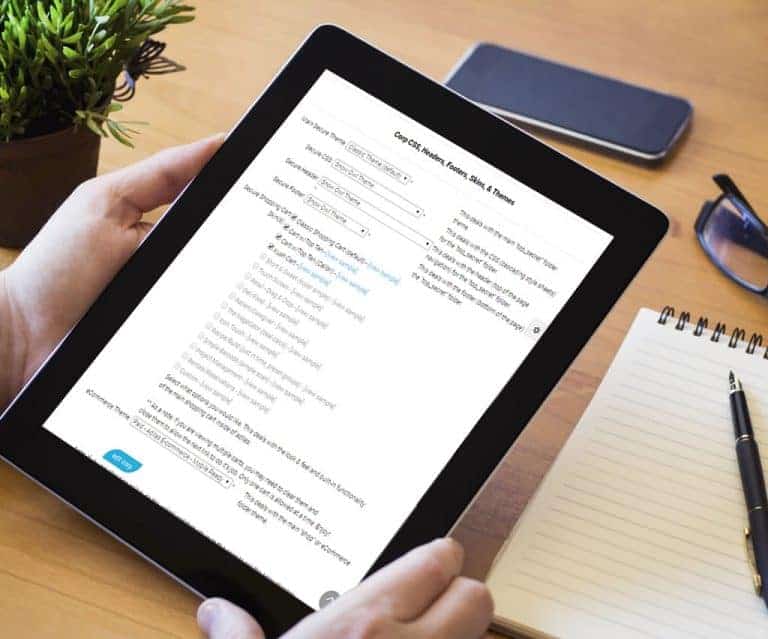
Choose Your Shopping Cart 🙂 From the Manage Corp Info Page Select “Look and Feel” Then you can select the Shopping Carts that you wish to enable. Then under “My Settings”, each person can select their own cart.
General News and UpdatesSupportTips and TricksCorp Payment Type Options
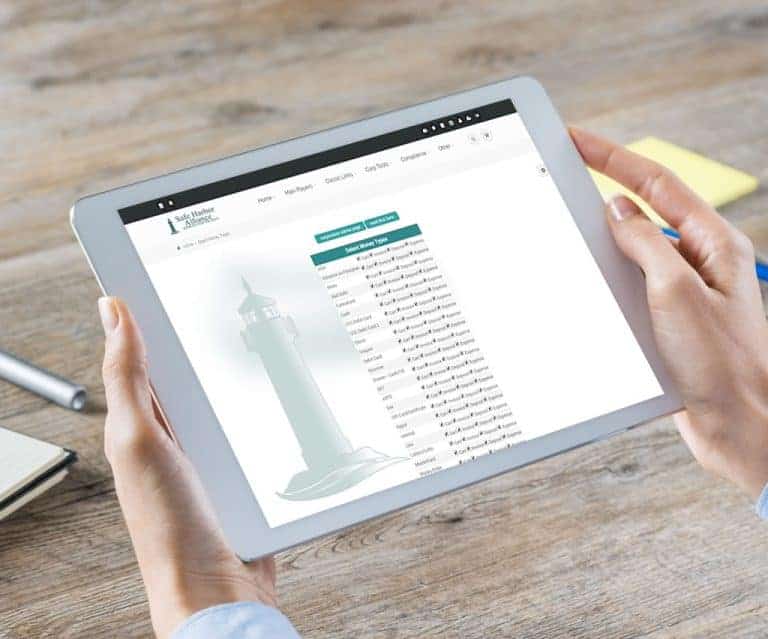
Payment Type Options Click to view PDF From the Classic Homepage Select “Manage Corp Info & Permissions” Select “More Options…” Choose “Select Money Type Settings”
General News and UpdatesHelp FilesSupportTips and TricksSub Inventory – Child Core Values
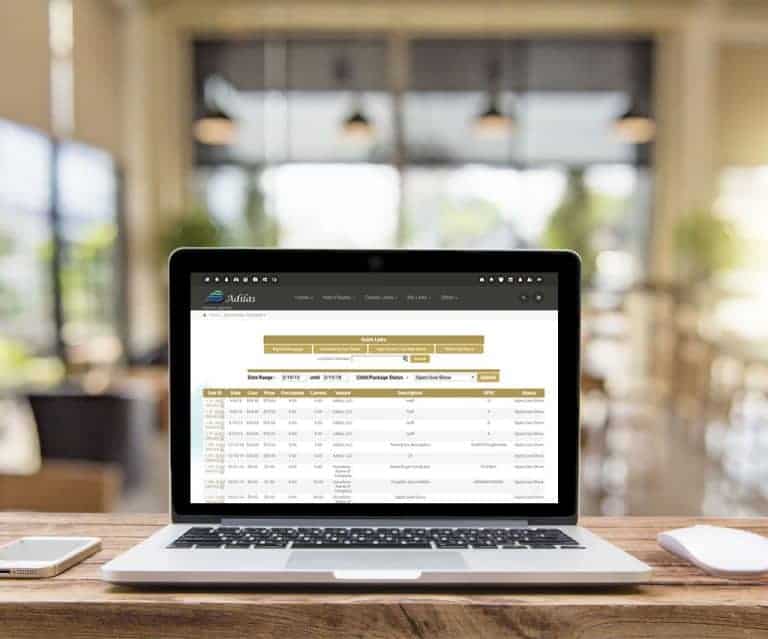
Search Child Core Values From the Reports Homepage Click on the “Core Values – Subs” link Or – Click on the excel icon Core Values – Child/Sub Inventory Choose Date Range Choose Status Quick Search Parent or Child RFID
General News and UpdatesAPI Connection Update
API Connection Update Click to view Informational Videos Directions to open the API Connect with other systems
General News and UpdatesBulk Edit PO Line Items
Bulk Edit PO Line Items From the “Edit Line Items”, which are viewable on any PO Click on the “Bulk Edit Lines” button at top of page Or Click on the “Bulk Edit Lines” link in the middle of the PO Edit View Fields are open Edit as desired Click on the “Enable Main Submit” button Update All
General News and UpdatesDirect Deposit
Direct deposit is now available as a payroll payment option! Click to view PDF Direct Deposit Payroll Payment Method Customized to your Bank One time setup fee of $400 Contact Will Hudson 385.549.7690 Or click below to email Adilas Request
General News and UpdatesHelp FilesFlash or HTML Buttons
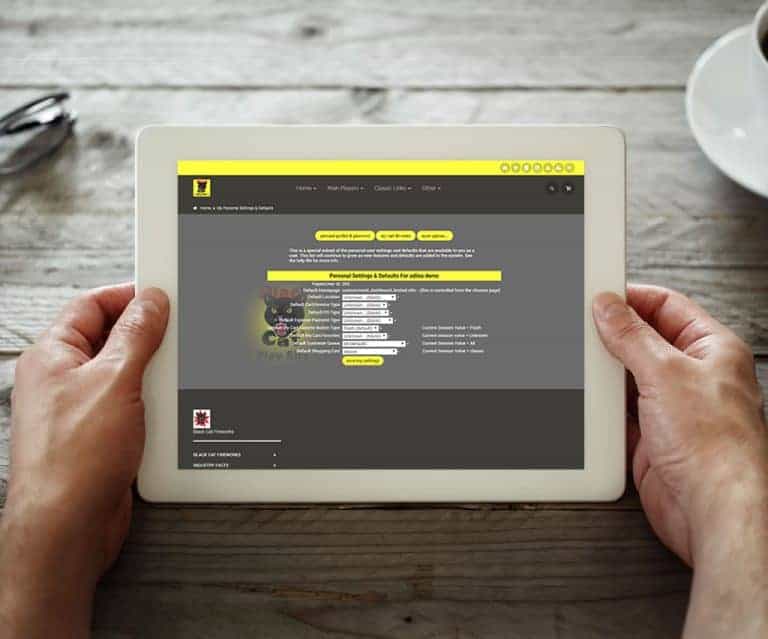
Choose either Flash or HTML Buttons. Flash Buttons From the Classic Homepage Under System Basics, select “Password & Profile” Click on the “My Settings & Defaults” Button Choose either button style Flash or HTML – Great for IPad or IPhone HTML Buttons Allowed by Apple devices Loads faster than Flas…
General News and Updates