News & Updates: Tips and Tricks
What's new in adilas: new features, changes and tips. See every topic.
Snow Owl – Text Editor
[alert_message id=”947f5da93739d906adc87e4f5879aaa7″ type=”info” title=”For Your Information” text=”As of 3/1/2018, AFB the third-party solution has been merged with Adilas. Please refer to the most recent posts for the most current information.” icon=”fa fa-info-circle” close=”true” alignment=”lef…
Tips and TricksSnow Owl – Data Tables
[alert_message id=”ec4f0ab81d6eb0574b918acc97156691″ type=”info” title=”For Your Information” text=”As of 3/1/2018, AFB the third-party solution has been merged with Adilas. Please refer to the most recent posts for the most current information.” icon=”fa fa-info-circle” close=”true” alignment=”lef…
Tips and TricksCart Favorite Buttons
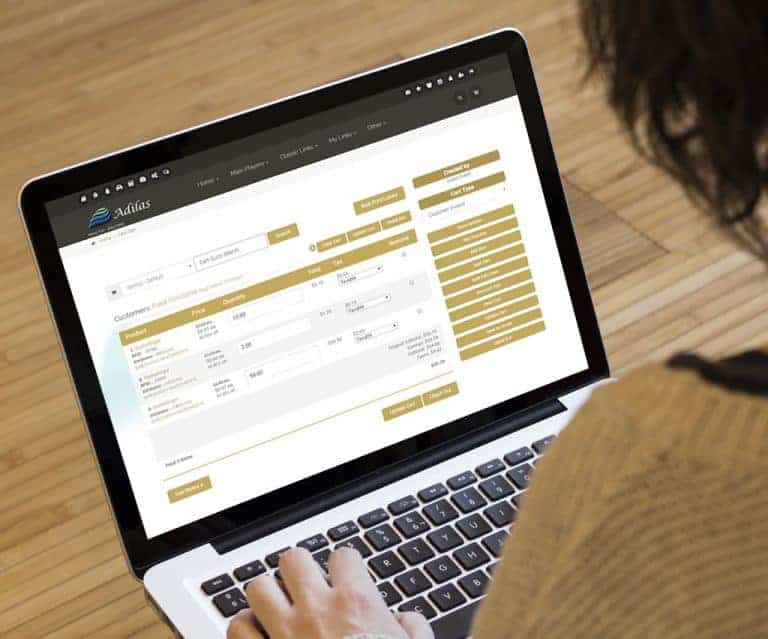
Cart Favorite Buttons Tied to the open Child When you click on a button tied to a parent, the system looks to see if the parent is marked “Use Subs Only” Auto detection of one open Child If only one Child is open, system will sell from that Child If more than one Child is open, system will display…
General News and UpdatesTips and TricksSub Button on Cart
Sub Button on Invoice Lines Child ID Helps choose the Child from Online Parent Orders Click to select or change sub Auto detection or select new Child. Ability to split subs to fill the order. Scan Parent Barcodes Child Barcodes RFID Tags or QR Codes
General News and UpdatesTips and TricksFlash Interfaces
Flash Interfaces Go to the “Chooser” Set as default Each person can choose their own interface 🙂
General News and UpdatesTips and TricksEmail Statement
Email Statement Select or build a statement Go to the printable view Click on the email button Add notes or cc as desired 🙂
General News and UpdatesTips and TricksChoose Your Shopping Cart
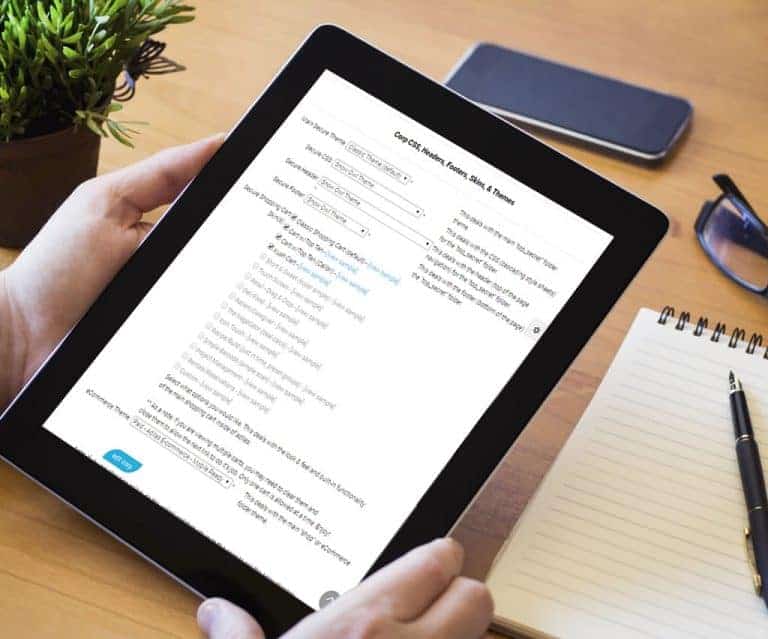
Choose Your Shopping Cart 🙂 From the Manage Corp Info Page Select “Look and Feel” Then you can select the Shopping Carts that you wish to enable. Then under “My Settings”, each person can select their own cart.
General News and UpdatesSupportTips and TricksCorp Payment Type Options
Payment Type Options Click to view PDF From the Classic Homepage Select “Manage Corp Info & Permissions” Select “More Options…” Choose “Select Money Type Settings”
General News and UpdatesHelp FilesSupportTips and Tricks