News & Updates: Tips and Tricks
What's new in adilas: new features, changes and tips. See every topic.
E-commerce – Related Items
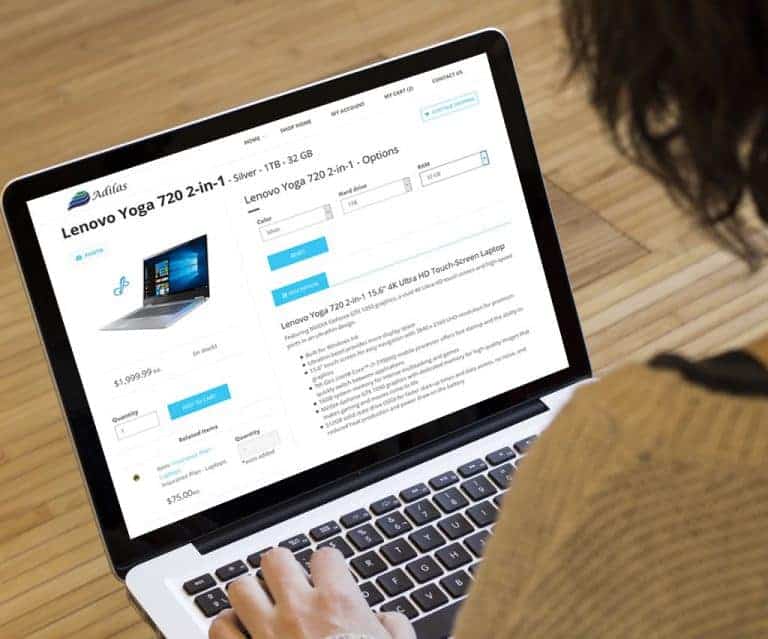
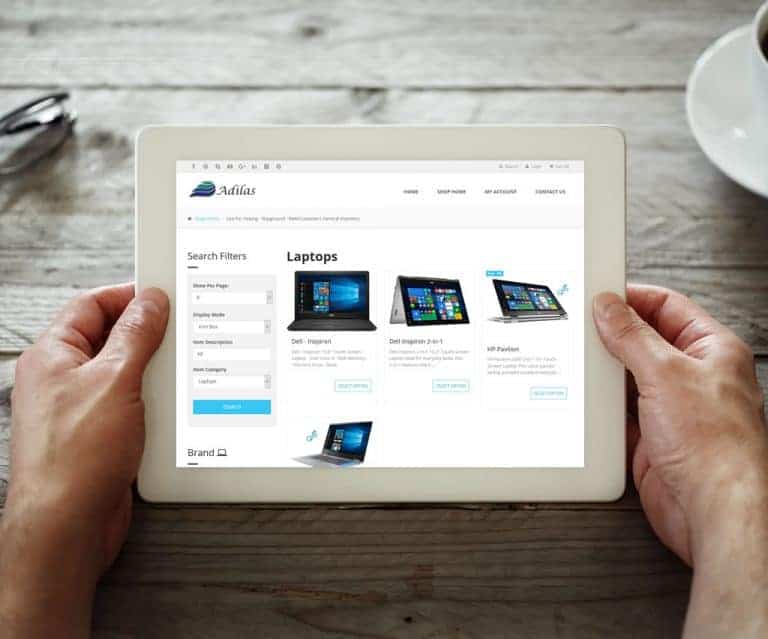
E-commerce – Related Items Have items that need to be sold together? This feature is for you! Tie associated items together using web related items on the add/edit item page You can make related items required when purchasing You can specify a quantity on required related items Related items can on…
General News and UpdatesHelp FilesTips and TricksAdd Additional Vendor/Payee
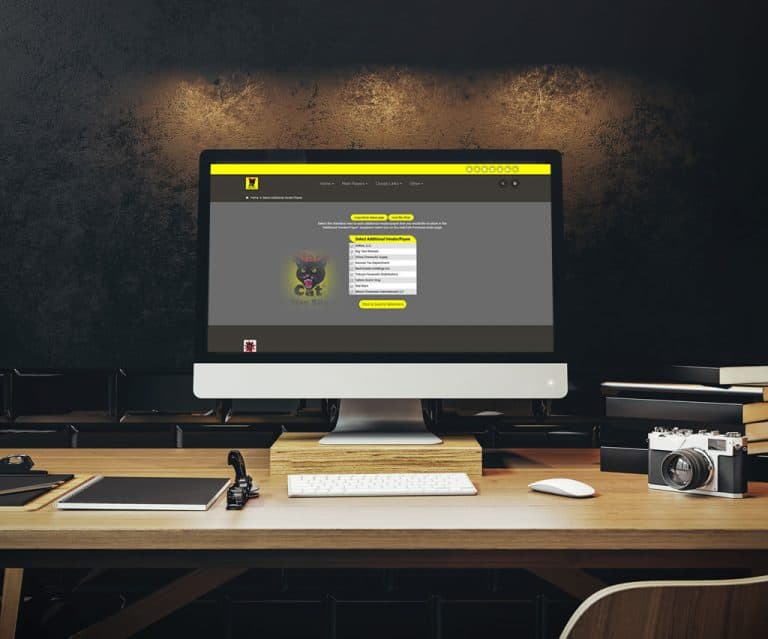
Add Additional Vendor/Payee You can now add an additional Vendor/Payee to PO’s and Expenses/Receipts Select additional vendors you want to be active on the PO Homepage Additional vendors are displayed in a drop down list when creating a new PO or Expense/Receipt Don’t like scrolling through drop-do…
General News and UpdatesTips and TricksCustomer Quick Cart
This is a new feature that allows you to select a customer quickly and add them to a new cart. Customer Quick Cart 1. Locate and click on the cart button on the header. 2. Select the field name called “Customer Name”. 3. Start typing in the name of the individual you are looking for. Remember more…
General News and UpdatesTips and TricksDeposit Homepage – Data Table
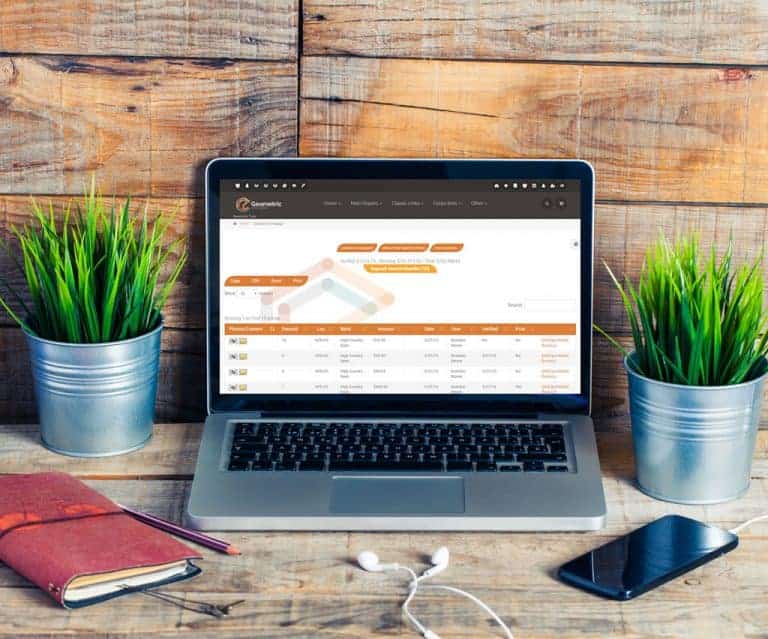
Deposit Homepage – Data Table Snow Owl Theme – Data Table – Deposit Homepage The deposit homepage now includes the data table functionality Users can save to Excel or print to PDF, sort columns, and use the multi search/filter To filter/search just type in desired data, hit space, and type in addit…
General News and UpdatesTips and TricksSnow Owl – Tool Bar
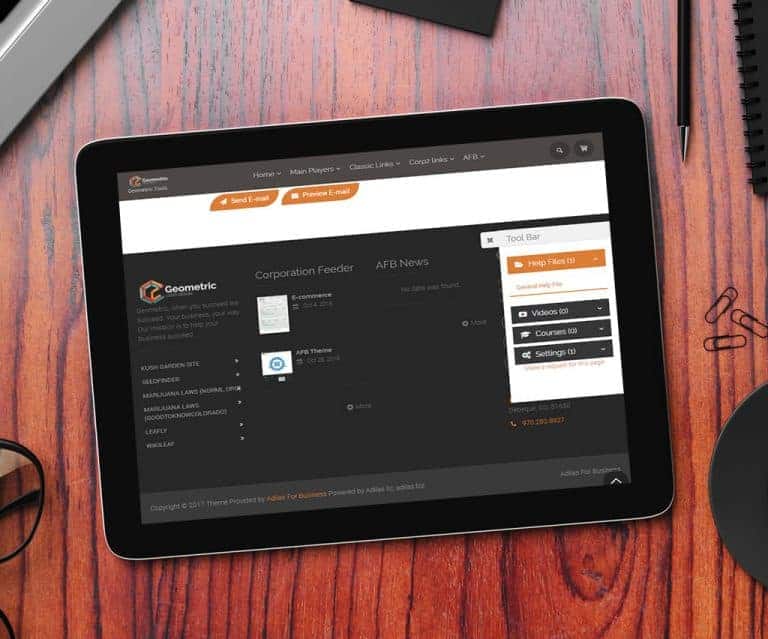
Snow Owl – Tool Bar Snow Owl now has a gear icon/tool bar on all pages Allows easy access to great features such as: Help Files, Videos, Courses, and Settings Also provides quick links to: Adilas University, News and Updates, Third Party Page, and Adilas Market It also includes a feature request li…
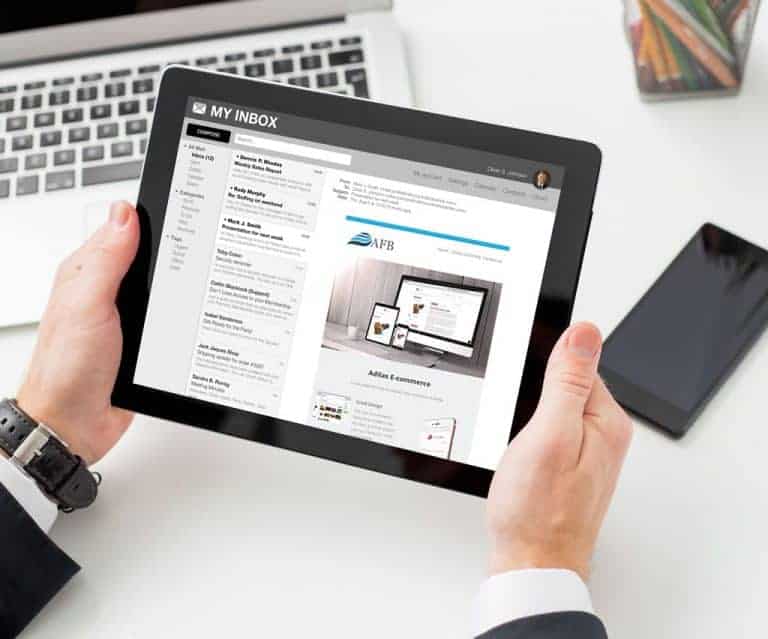
General News and UpdatesTips and TricksSnow Owl – Adilas E-mails
[alert_message id=”5ee60283d8c6227792075002ffe0a57e” type=”info” title=”For Your Information” text=”As of 3/1/2018, AFB the third-party solution has been merged with Adilas. Please refer to the most recent posts for the most current information.” icon=”fa fa-info-circle” close=”true” alignment=”lef…
General News and UpdatesTips and TricksSmart Group – Show Parent/Child
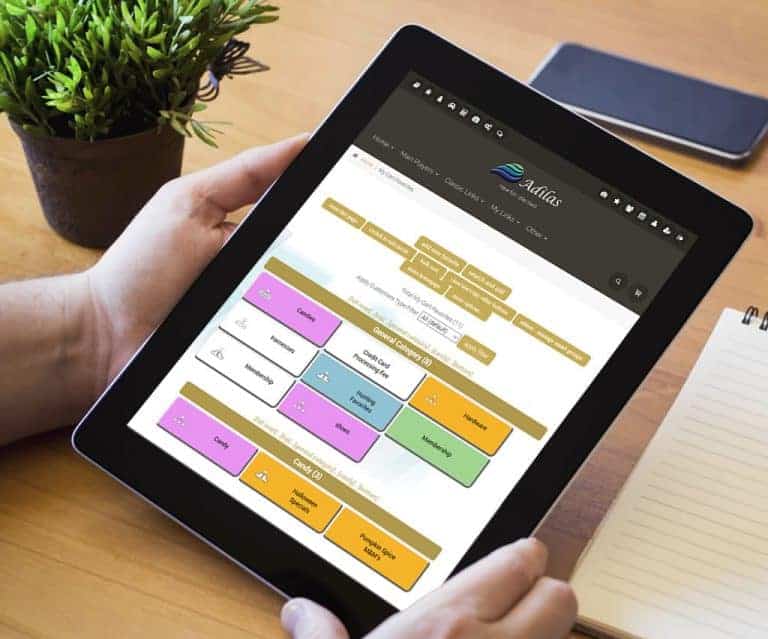
Smart Group – Show Parent/Child My Cart Favorites -> More options -> Settings With a click of the button choose how smart group items are displayed Display only child items to make it easier for customers to find what’s available to buy 🙂 Display parent/child to show more detail and the relationsh…
General News and UpdatesTips and TricksCart Favorite Buttons – Child Buttons
Cart Favorite Buttons – Child Buttons Children (Subs) are now tied to individual button functionality. Ability for the system to auto manage the children under the parent or add a specific child ID, can now be done by selling from a sub. View the help file.
General News and UpdatesTips and TricksPayroll State Percentage
Payroll State Percentage Percentage or Numeric values are now allowed for deductions. From the department homepage, select the employee. If you cannot see your employees, click on the button called “Switch This Page To Advanced Mode – Show Subs”, then select an employee. There is now an option for…
General News and UpdatesTips and TricksInvoice Permission – View Only
Invoice Permission – View Only Permission to limit invoices to “View Only” is now available. This is a limiting permission – Grey Color – ID 160. Users with this permission are able to “read only”.
General News and UpdatesTips and TricksAccounts Receivable – Data Table
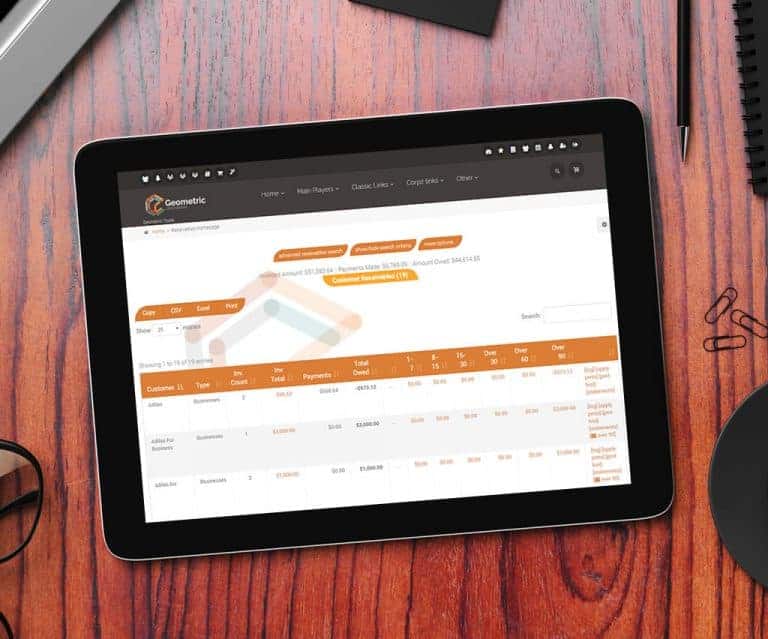
Accounts Receivable – Data Table The accounts receivable homepage now includes the data table functionality. Users can save to Excel or print to PDF, sort columns, and use the multi search to filter. To filter/search, just type in desired data, hit space, and type in additional data. Magic will hap…
General News and UpdatesTips and TricksE-commerce – Sub Attributes
E-commerce – Sub Attributes Selling and searching for subs is now available on the E-commerce. *** Please report any bugs. Some corporations for whatever reason, have been experiencing problems, while others have not. Please let us know so we can resolve these issues as soon as possible. *** In thi…
General News and UpdatesHelp FilesSupportTips and TricksEnhanced Payment Details
Enhanced Payment Details When paying multi payables, the external invoice data will now auto print on check stubs These payment details are currently unlimited and depending on size, may exceed the available space on the check stub The ability to print out a separate report with details still exists
General News and UpdatesTips and TricksE-commerce – Threshold/Buffer and More
E-commerce – Threshold/Buffer and Hide Inventory Settings These settings are based off the “Check Quantity on Hand” in the E-commerce settings. How to Get to It: Other (header tab) > Other Settings > E-commerce Settings > E-commerce Options (link on the right-hand side) Category Buffer/Threshold If…
General News and UpdatesHelp FilesSupportTips and TricksChart of Accounts
Chart of Accounts Ability to add in a unique account number Predictive Select for adding accounts when in Snow Owl Snow Owl data table functionality, sorting, and multi searching Export to Excel or Print to PDF
General News and UpdatesTips and Tricks