News & Updates: Help Files
What's new in adilas: new features, changes and tips. See every topic.
E-commerce – Threshold/Buffer and More
E-commerce – Threshold/Buffer and Hide Inventory Settings These settings are based off the “Check Quantity on Hand” in the E-commerce settings. How to Get to It: Other (header tab) > Other Settings > E-commerce Settings > E-commerce Options (link on the right-hand side) Category Buffer/Threshold If…
General News and UpdatesHelp FilesSupportTips and TricksE-commerce – Parent Attributes/Tags
E-commerce – Parent Attributes/Tags For the sake of describing this tool, we will use the name of Tag. Please know that this naming convention is up to you. Parent Attributes or Tags is a new category convention inside of Adilas. It allows you to build Tag Categories, individual tags, and attach th…
General News and UpdatesHelp FilesSupportTips and TricksAdilas Kush Cart
This new cart is a slimmed-down version of the Adilas classic cart. If you’re curious and want to try this new cart out, follow these instructions. Watch a video on it Written instructions below Get your administrator to make the card active for your corporation 1. Start by going to the Classic Hom…
General News and UpdatesHelp FilesSupportSnow Owl – Templates and More
Snow Owl – Templates and More The Snow Owl theme can now create templates and have control of payee settings. In this update we will go over these new settings. Create Template Edit Template Edit Payee Settings Payee Select Template Watch a video on it Written instructions below Create Template Sno…
General News and UpdatesHelp FilesSupportTips and TricksQuick Response Bar Code
Quick Response Bar Code Bar Code functionality which adds a portion of a Child to the cart at a set price. Click on the “View” of any Child Then click on the Bar Code image Add special code to tell the shopping cart Child – price and quantity In the bar code field, change the ~ to qr_. After the
Cannabis UpdatesGeneral News and UpdatesHelp FilesSupportTips and TricksSnow Owl – Custom Colors
[alert_message id=”e18ea616df8f7c92bade43dcf86067fc” type=”info” title=”For Your Information” text=”As of 3/1/2018, AFB the third-party solution has been merged with Adilas. Please refer to the most recent posts for the most current information.” icon=”fa fa-info-circle” close=”false” alignment=”le…
General News and UpdatesHelp FilesSupportTips and TricksSnow Owl Theme
[alert_message id=”9f064a42af563c15921903f875d2ff9a” type=”info” title=”For Your Information” text=”As of 3/1/2018, AFB the third-party solution has been merged with Adilas. Please refer to the most recent posts for the most current information.” icon=”fa fa-info-circle” close=”false” alignment=”le…
General News and UpdatesHelp FilesSupportTips and TricksCorp Payment Type Options
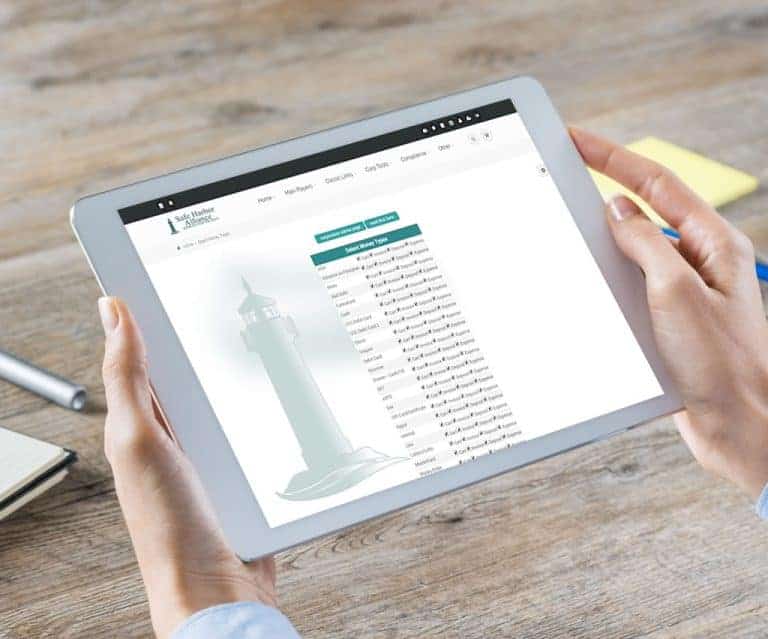
Payment Type Options Click to view PDF From the Classic Homepage Select “Manage Corp Info & Permissions” Select “More Options…” Choose “Select Money Type Settings”
General News and UpdatesHelp FilesSupportTips and TricksDirect Deposit
Direct deposit is now available as a payroll payment option! Click to view PDF Direct Deposit Payroll Payment Method Customized to your Bank One time setup fee of $400 Contact Will Hudson 385.549.7690 Or click below to email Adilas Request
General News and UpdatesHelp FilesSub Inventory – Parent/Child – Package Tracking
Lots of additional updates to the Sub Inventory – Parent/Child – Package tracking. Click to view PDF Chain of Custody Complete control of Unique or ‘Packaged’ type inventory Perfect COGS and Inventory Values – No more need for FIFO, LIFO or Average Unique cost to 5 decimals of accuracy Parents can…
General News and UpdatesHelp FilesSupport